
Table of Contents
🔹 1. General Document Enhancement Prompt
Prompt:
Enhance this document to ultra high resolution (8K), increase sharpness and clarity, remove noise and blur, improve text readability, clean background, correct lighting and contrast, preserve original layout and formatting, make all text crisp and clear, professional scan quality
🔹 2. Text-Focused Document (important for clarity)
Prompt:
Convert this document into high resolution, sharpen all text, improve readability, remove blur and pixelation, enhance edges of letters, maintain original font and alignment, clean white background, high contrast black text, scan-quality output, 8K ultra HD
🔹 3. If Document has Stamp / Logo
Prompt:
Enhance document to 8K resolution, sharpen text and logos, improve stamp visibility, remove noise, correct brightness and contrast, keep original colors accurate, preserve fine details, professional document scan look, highly detailed and clear
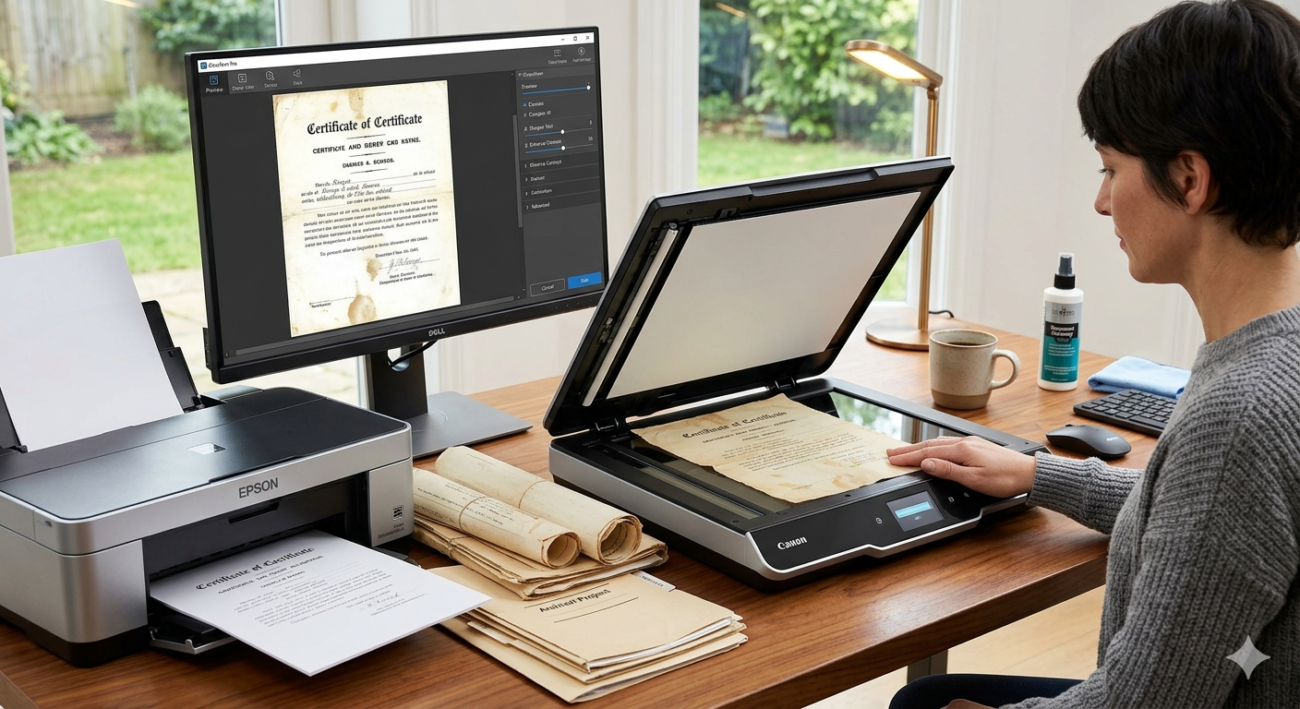
🔹 4. Old / Blurry Document Fix
Prompt:
Restore and enhance this old/blurry document to high resolution, remove grain and blur, reconstruct missing details, sharpen text, improve contrast, clean background, make it look like a freshly scanned document, ultra HD quality
🔹 5. Advanced (Best Quality – use this if tool supports detailed prompts)
Prompt:
Ultra high-resolution document enhancement, 8K quality, super-resolution, deblur, denoise, text sharpening, edge enhancement, contrast correction, lighting balance, preserve original formatting, crystal clear readability, professional scanner output, no artifacts

One thought on “Document clear karne wala prompt”